Interactive demo
Try the prototype in your browser
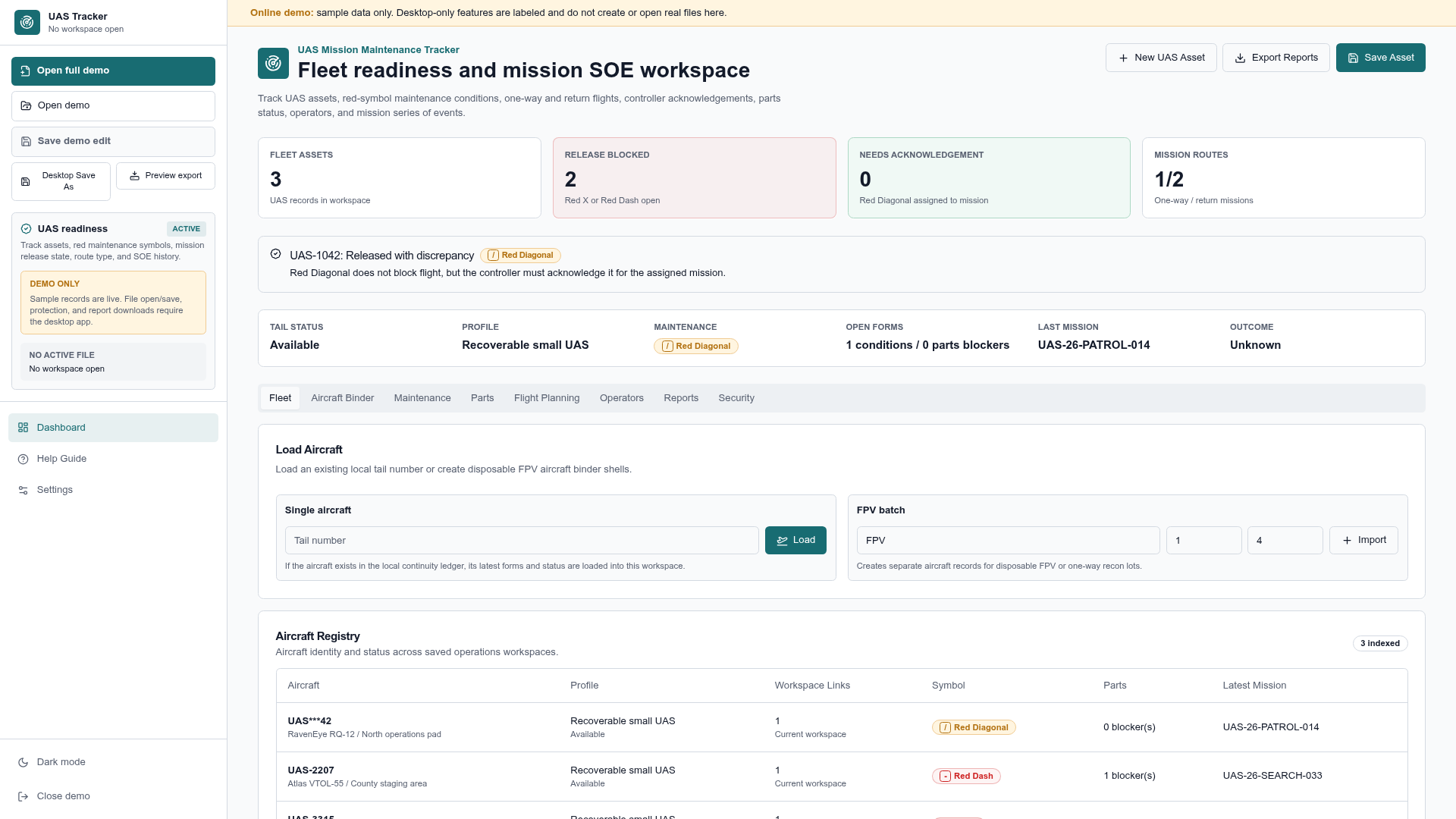
The demo runs the working prototype interface on synthetic sample data so you can walk the fleet, maintenance, planning, and reporting workflows end to end.
Synthetic sample data only. The demo does not expose information entered by other visitors, and nothing you enter becomes part of anyone else’s session.
Tester guide
A short testing checklist
- 01Fleet status — read the readiness counters and confirm what each one is telling you.
- 02Aircraft binder — open an aircraft and follow its identity, profile, and condition history.
- 03Maintenance conditions — review a Red Diagonal condition and the acknowledgement it requires.
- 04Parts — check where blockers appear and whether they are visible early enough.
- 05Flight planning — assign a mission and watch which readiness checks run.
- 06Mission SOE — follow the event sequence through to a recorded outcome.
- 07Reports — generate a readiness report and judge whether it would brief well.
Scope
What the browser demo cannot do
File operations in the browser demo are previews. Encrypted workspace files, desktop persistence, and native exports belong to the desktop application and are labeled as desktop-only inside the demo.
The demo is a separate application hosted on GitHub Pages. This website introduces, documents, and links to it. Nothing in the demo constitutes certification, airworthiness determination, or flight authorization.
Feedback
Tell us what you found
No account required. Every field except your notes is optional.